
Import Canva Designs Into Figma
Paste a Canva URL. Get fully editable Figma layers in seconds.
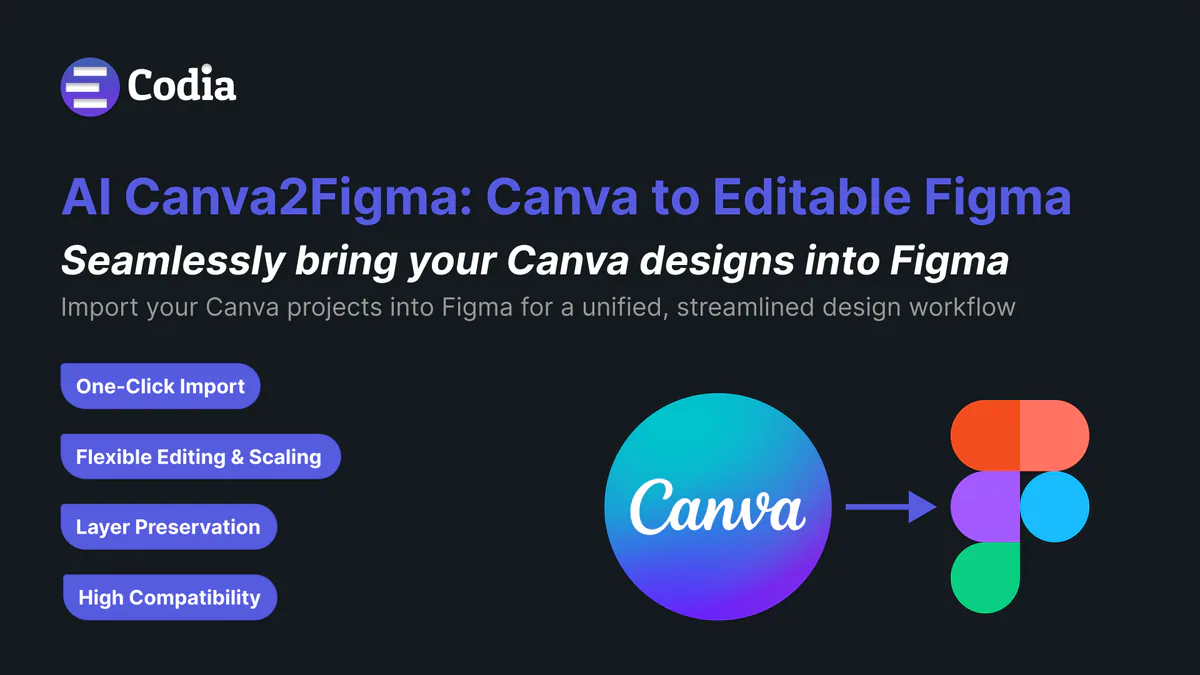
The Bridge Between Canva and Figma
Stop recreating designs from scratch. Import, edit, and collaborate seamlessly.
The Problem
- Hours wasted recreating Canva designs in Figma
- Marketing and design teams working in silos
- Manual copying leads to inconsistencies
- No easy way to transfer designs between platforms
The Solution
- Import Canva designs with a single URL paste
- Preserve layouts, text, and images perfectly
- Edit imported elements natively in Figma
- Seamless workflow between marketing and design
Powerful Features, Simple Workflow
Everything you need to seamlessly bridge Canva and Figma.
One-Click Import
Paste a Canva share URL and instantly recreate the design inside Figma with all elements intact.
Fully Editable Elements
All imported Canva layers are converted into native, editable Figma elements you can customize.
Preserves Design Integrity
Maintains layout, text styling, images, and positioning for pixel-perfect recreation.
Lightning Fast
Import complex designs in seconds, not hours, saving valuable design time.
Who Benefits From Codia AI Canva Import?
Perfect for teams and individuals who work across both platforms.
Design Teams
Collaborate seamlessly with marketing teams by importing their Canva assets directly into your Figma workflow.
Developers
Get marketing-approved designs into your development workflow without recreating assets from scratch.
Marketers
Create initial concepts in Canva and easily transfer them to your design team for implementation.
Agencies
Streamline client work by importing their Canva designs directly into your professional Figma workflow.
Simplify Your Design Workflow with the Canva to Editable Figma Plugin
The ideal solution for quickly converting your Canva files into fully editable Figma layers. This Chrome extension enhances efficiency, precision, and security when transitioning from Canva to Figma.
Fast Conversion
Instantly import your Canva document into Figma with minimal loading times, speeding up your design process without sacrificing quality.
Fully Editable Layers
Every element from your Canva document is converted into fully editable layers in Figma, ensuring you have complete control over adjustments and iterations.
High Compatibility & Perfect Conversion
Enjoy seamless compatibility between Canva and Figma. The plugin preserves all your design elements — fonts, effects, and layer structures — during the transition.
Privacy Protection
Your files are handled securely throughout the import process, ensuring that your designs remain private and protected.
Streamlined Workflow
Stop manually recreating designs or fighting compatibility issues. The plugin automates the process, delivering pixel-perfect conversions with full layer editability.
Whether you're part of a team collaborating on projects or working solo, instant Canva-to-Figma conversion ensures smoother design handoffs and iterations. With fast, accurate, and secure file conversions, you can focus more on creativity and collaboration, knowing your designs are perfectly preserved across platforms.
Ready to Bridge Canva and Figma?
Join thousands of designers who are saving time and improving collaboration with Codia AI Canva Import.
Pricing
Transparent pricing for every product. Start free, upgrade as you grow.
Frequently Asked Questions
Everything you need to know about Codia AI Canva Import.