
 Figma community plugin
Remix visual ideas directly inside Figma
Codia AI Remix helps you start from a prompt, a template, or an existing visual, then generate polished design directions you can keep editing in your Figma workflow.
Codia AI Remix
Prompt, template, variations
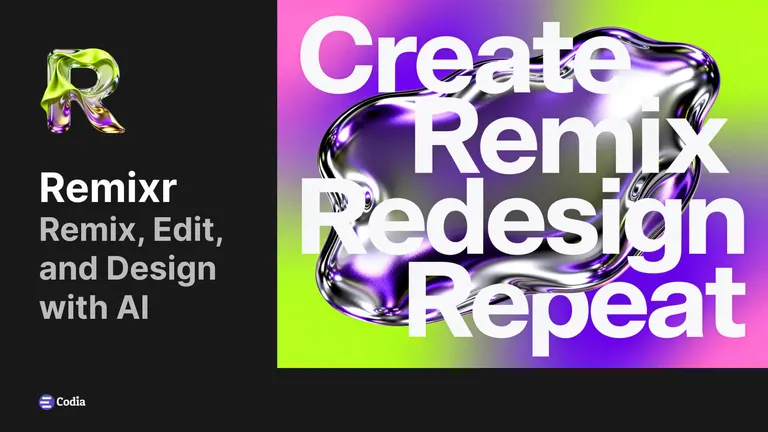
Source direction
Style variant
Editable layout
Example prompt
Create a launch poster for a new AI design tool. Keep it bold, editorial, and ready to refine in Figma.
Built for designers who already live in Figma
Use AI for exploration without leaving the canvas, rebuilding assets, or treating generated images as a dead end.
Launch from Figma
Open Remix from the Figma community plugin and keep ideation close to the files your team already reviews.
Start with templates
Pick from ready-made poster, social, product, and campaign directions when a blank prompt is slowing you down.
Generate fast variations
Explore new compositions, colors, and visual moods while keeping the original intent of your design.
Keep editing afterward
Bring the result back into a practical design workflow instead of stopping at a flat AI image.
The plugin flow is intentionally simple
Install once, then use Remix whenever you need more visual options before committing to a direction.
Install the plugin
Add Codia AI Remix from Figma Community and launch it from your current design file.
Choose a source
Use a prompt, browse a template, or remix an existing direction into fresh visual alternatives.
Refine in Figma
Select the strongest result, place it back on your canvas, and continue polishing the design with your usual tools.
Make Remix part of your Figma ideation loop
Use it when you need campaign options, creative references, or a stronger starting point before manual refinement.
A faster way to find the right visual direction
Use Remix for early campaign concepts, poster directions, social graphics, thumbnails, and moodboard exploration.
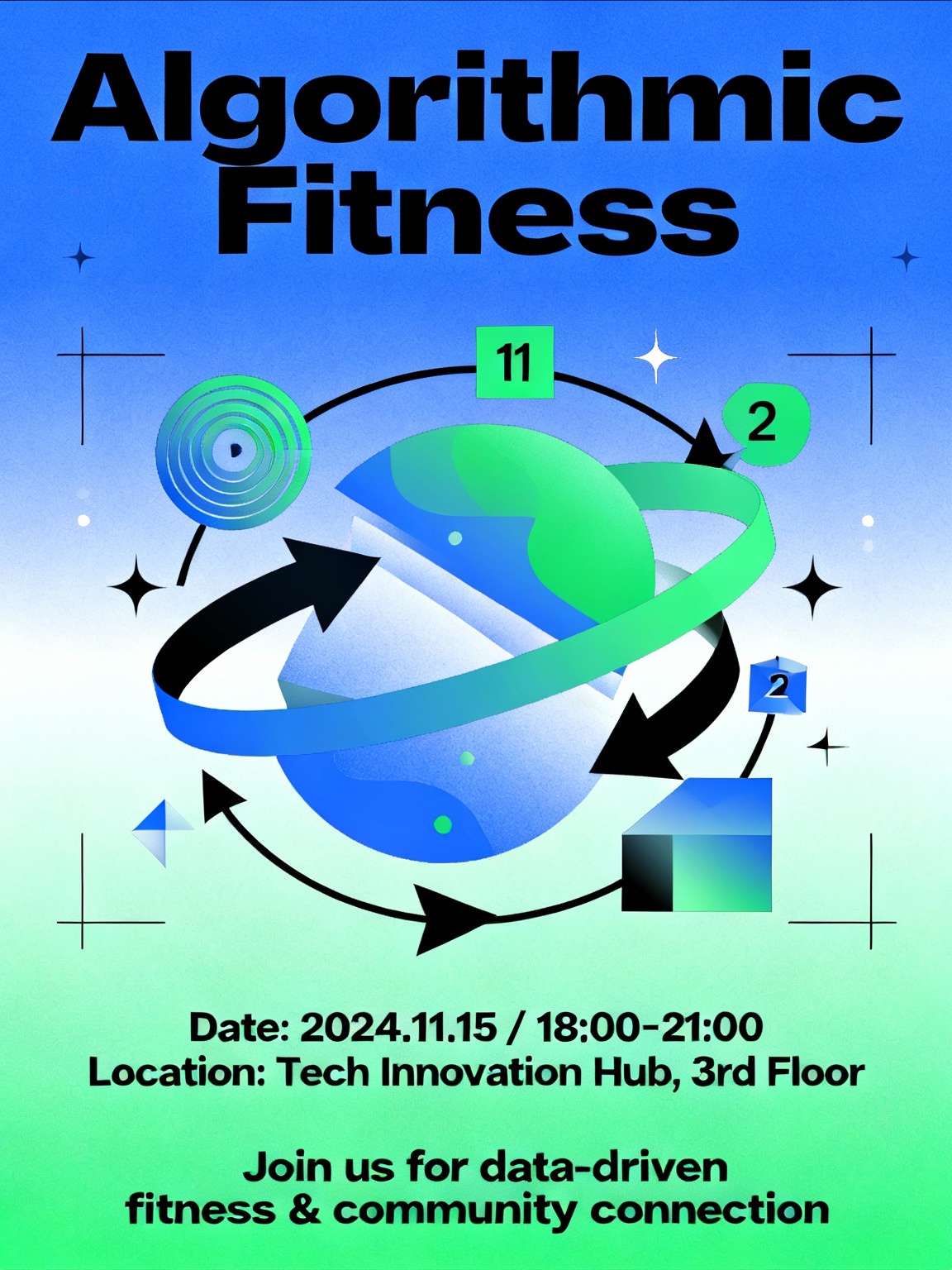
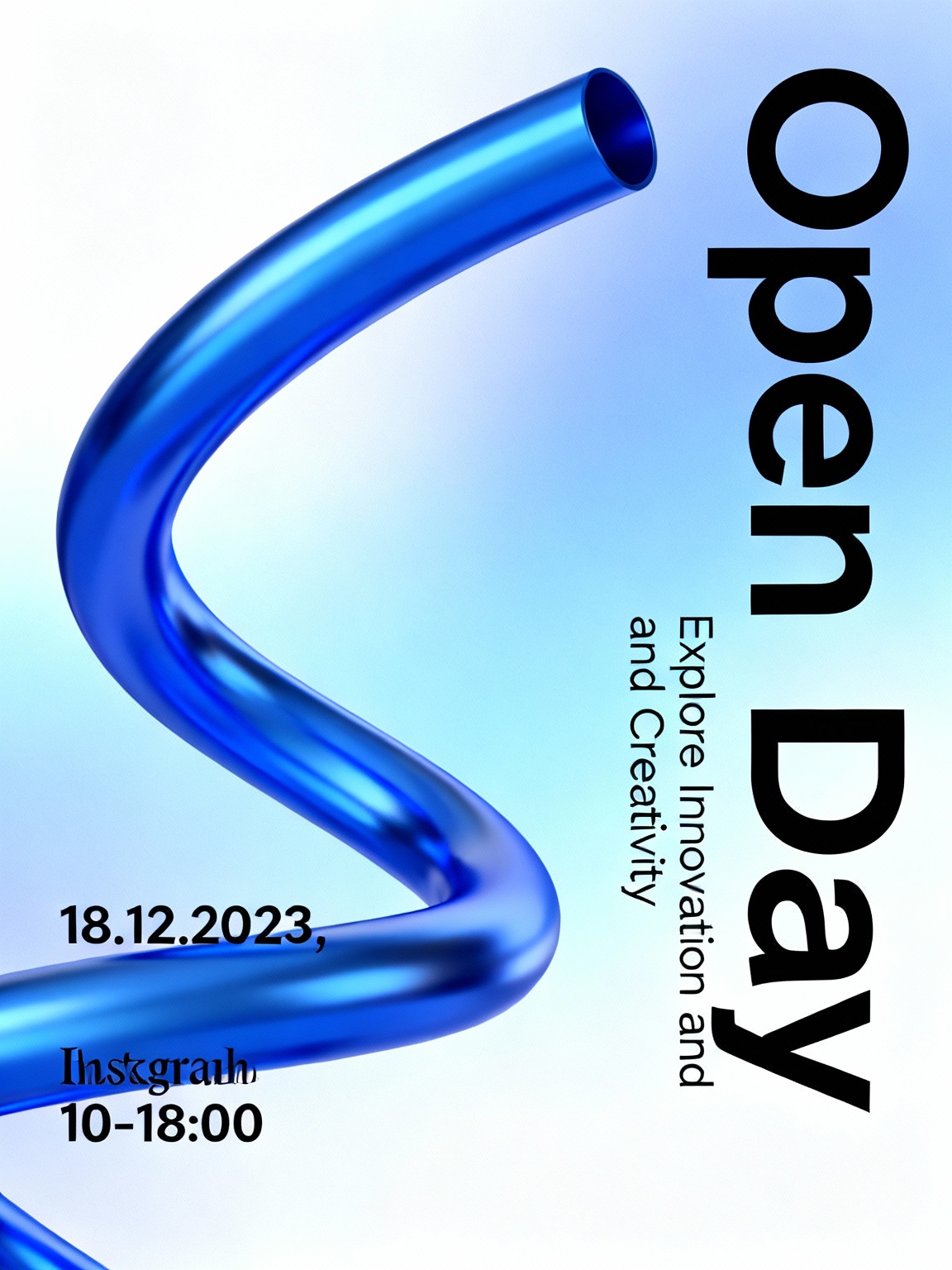
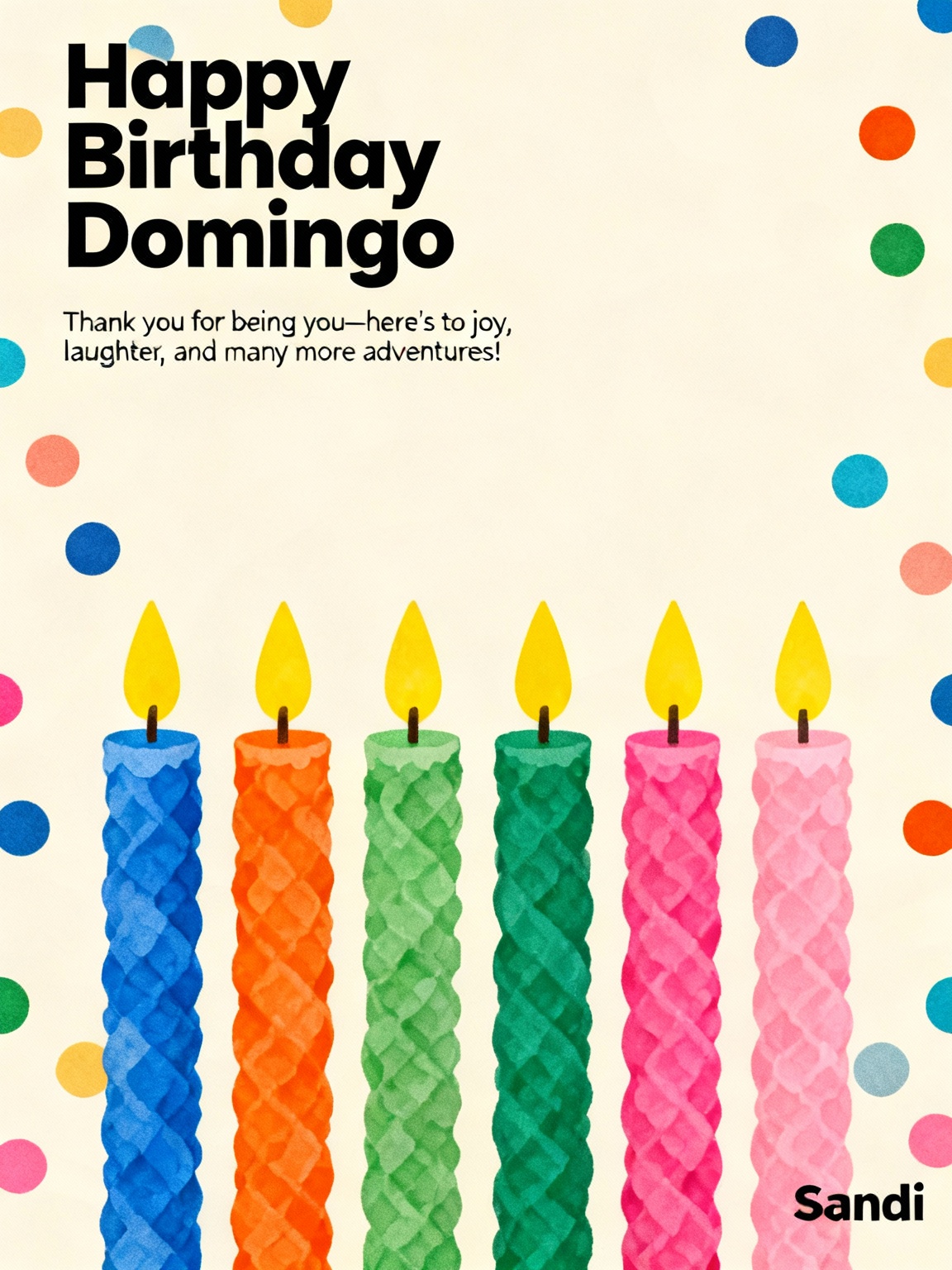
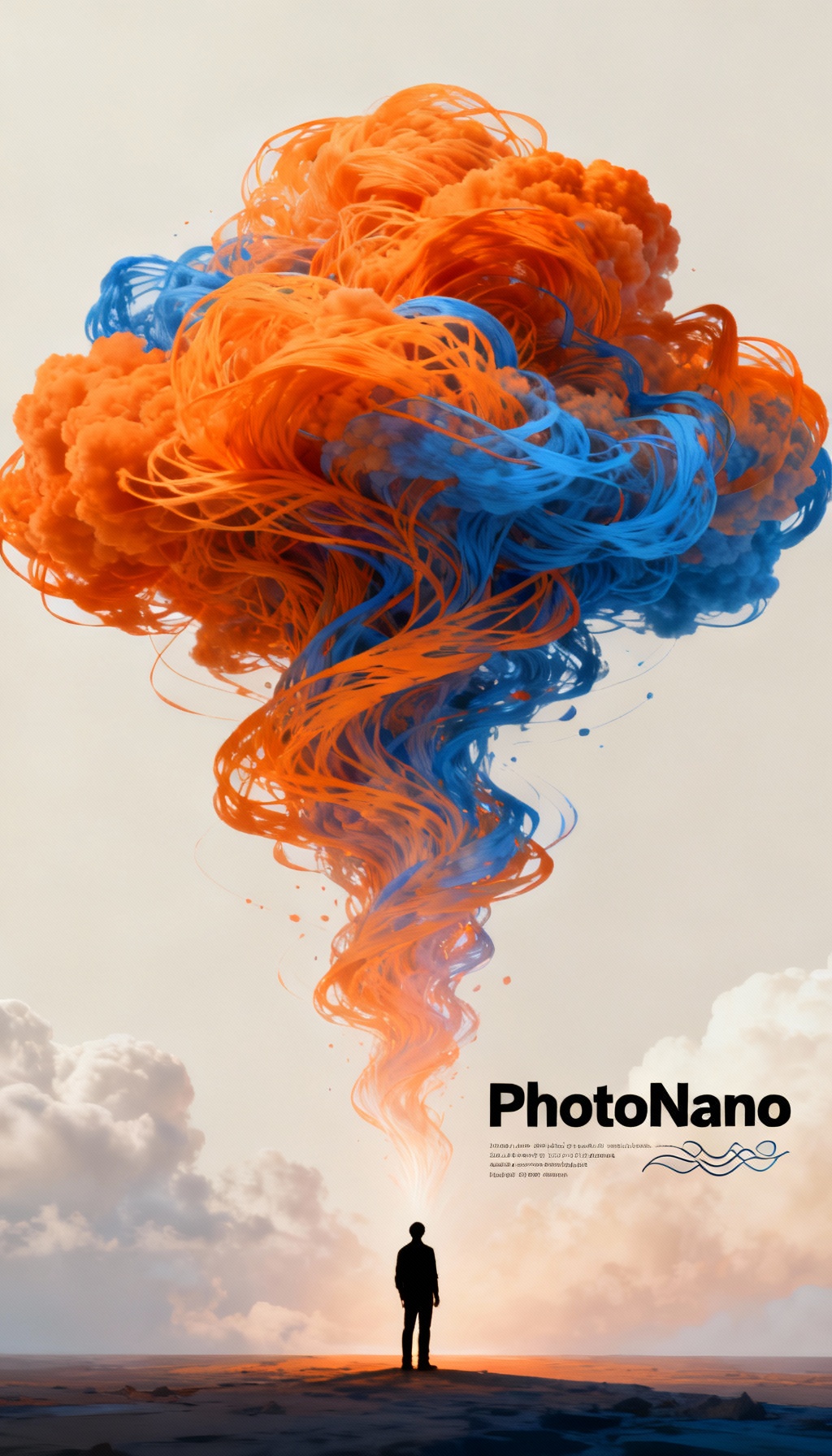
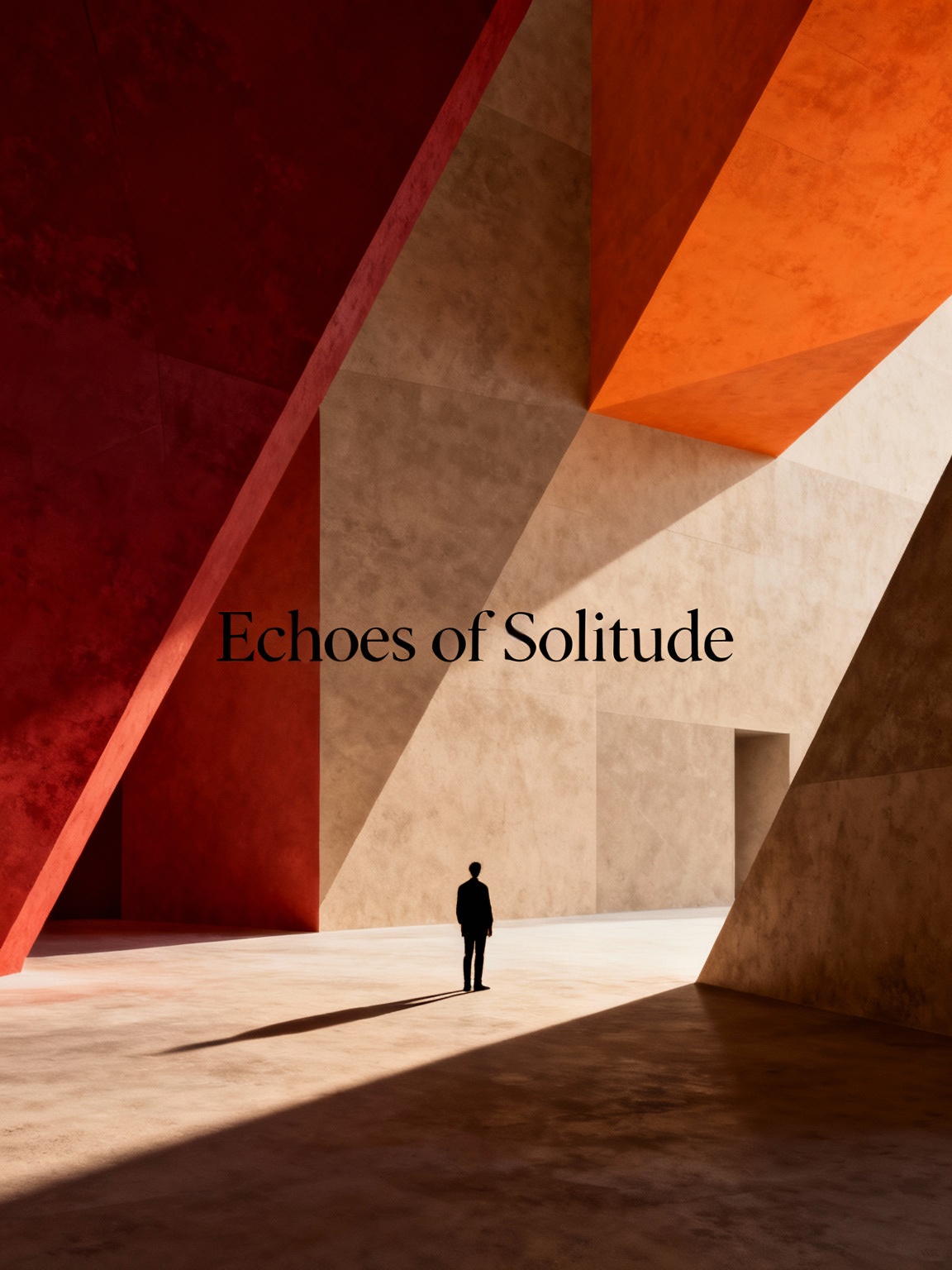
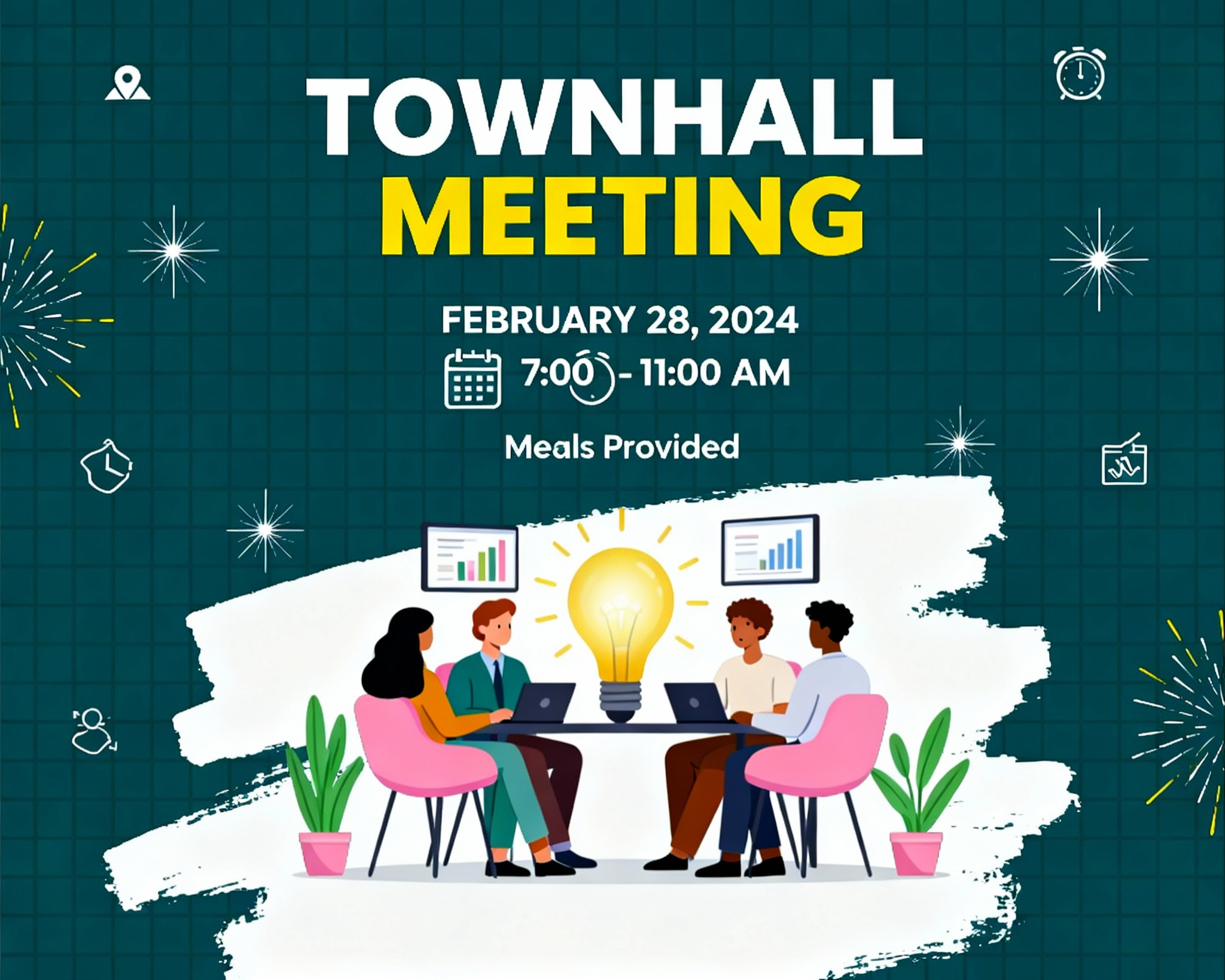
Where Remix fits in real design work
Campaign concepts
Create multiple art directions before a campaign review, then carry the strongest one forward in Figma.
Product and ecommerce visuals
Explore backgrounds, moods, and layout treatments for product launches without rebuilding every option manually.
Social and presentation graphics
Turn one brief into a set of thumbnails, event posters, or slide visuals that are ready for design cleanup.
Give your next concept more than one first draft
Install Codia AI Remix and turn rough ideas into multiple visual directions without leaving Figma.
Free to start
Try the plugin before upgrading
Works in Figma
Launch it from your design file
Made for iteration
Explore, compare, and refine
Pricing
Transparent pricing for every product. Start free, upgrade as you grow.
Frequently Asked Questions
What to know before using Codia AI Remix in Figma