Convert Images Into Crisp SVGs
Upload a JPG, PNG, WebP, or GIF and let Codia turn it into a clean vector you can resize, edit, and download without losing detail.
Trusted by design and product teams
See It in Action
High-quality SVG conversion for logos, print, and design

Upload a raster image and convert it into a scalable vector in a guided browser workflow. Codia preserves sharp edges, smooth curves, and key visual details so your graphics stay useful beyond their original pixel size.
Whether you are rebuilding a logo, preparing artwork for large-format print, or optimizing graphics for a website, Codia creates editable SVG output that fits professional design and development workflows.
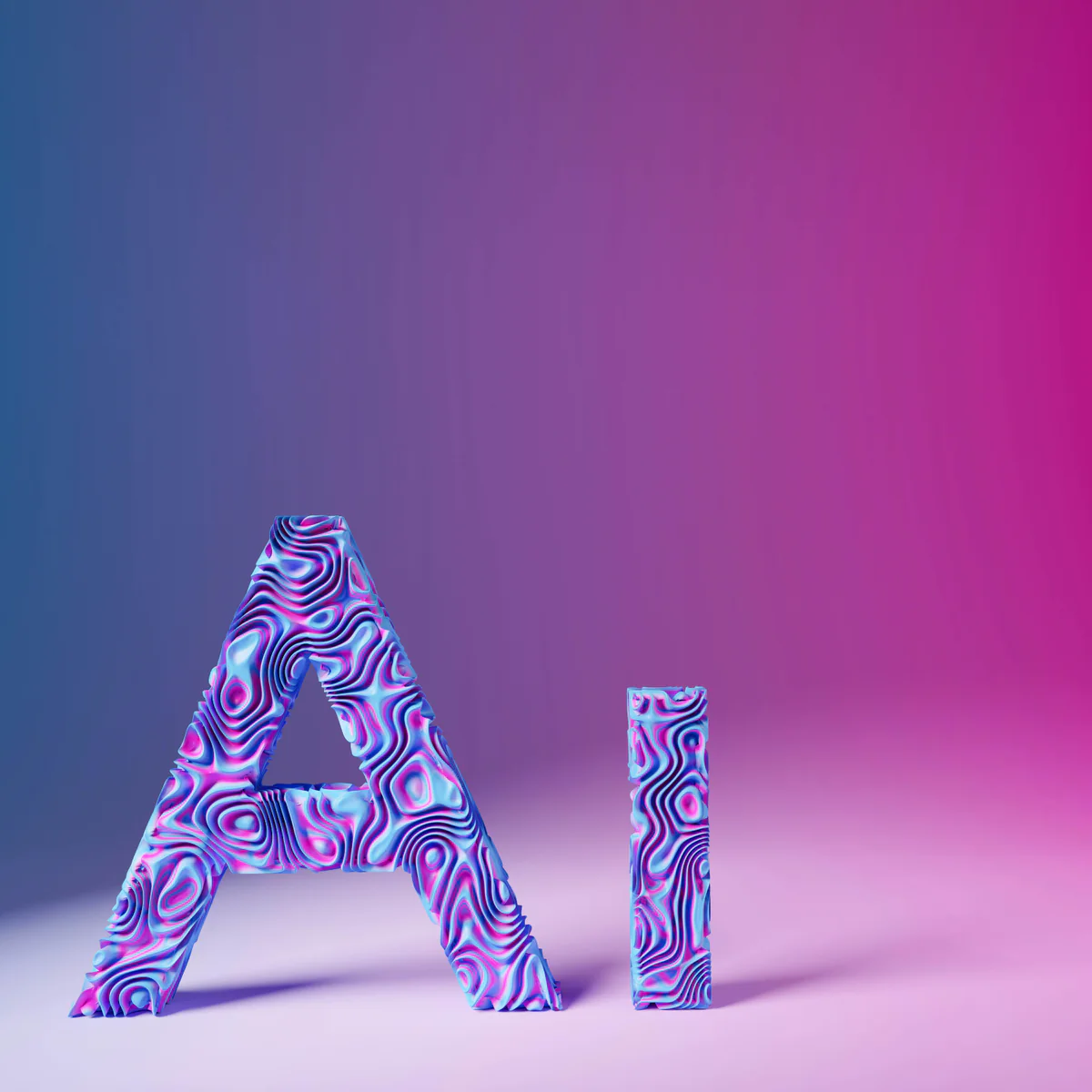
Turn raster artwork into editable vectors
Codia analyzes your uploaded image, rebuilds the visible shapes as vector paths, and gives you an SVG that stays sharp at any size. It is built for logos, icons, sketches, illustrations, and other graphics that need to move between web, print, and design tools.
Built for production vectors
AI vectorization with clean paths and usable detail
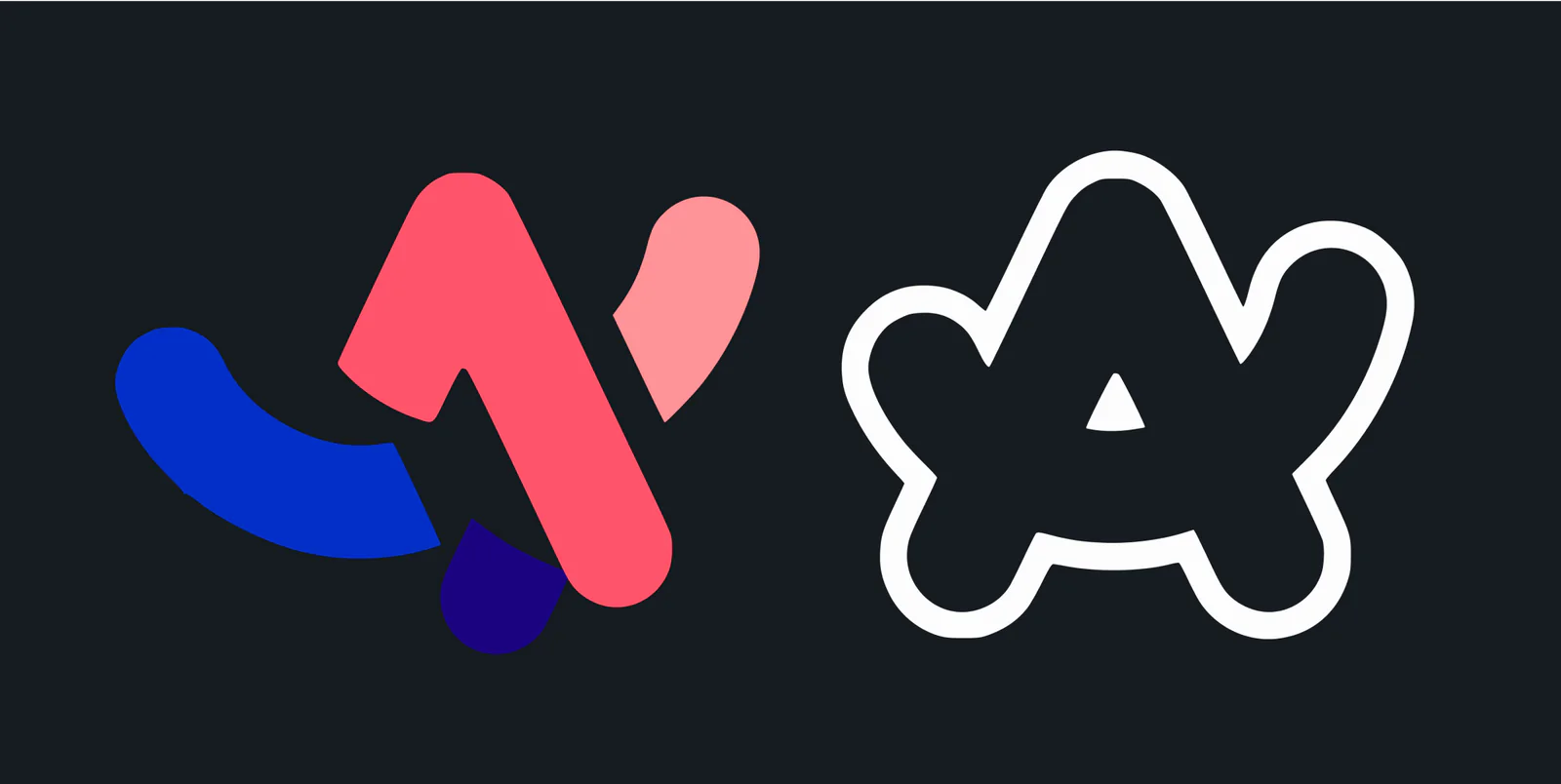
Shape-aware tracing
Reconstructs artwork as vector paths instead of simply smoothing pixels, so edges, fills, and silhouettes stay usable.
Automatic precision
Captures small details and curved edges without requiring manual tracing or complicated setup.
Curve and corner support
Fits smooth Bezier curves, crisp corners, and complex outlines for SVGs that feel ready to refine.
Flexible image input
Works well for logos, icons, sketches, flat illustrations, and many photo-like graphics when a vector version is needed.
Fast conversion
Processes images quickly so you can move from upload to preview and download without breaking your workflow.
Color and transparency
Preserves full-color artwork and transparent areas so the result fits websites, apps, brand kits, and print files.
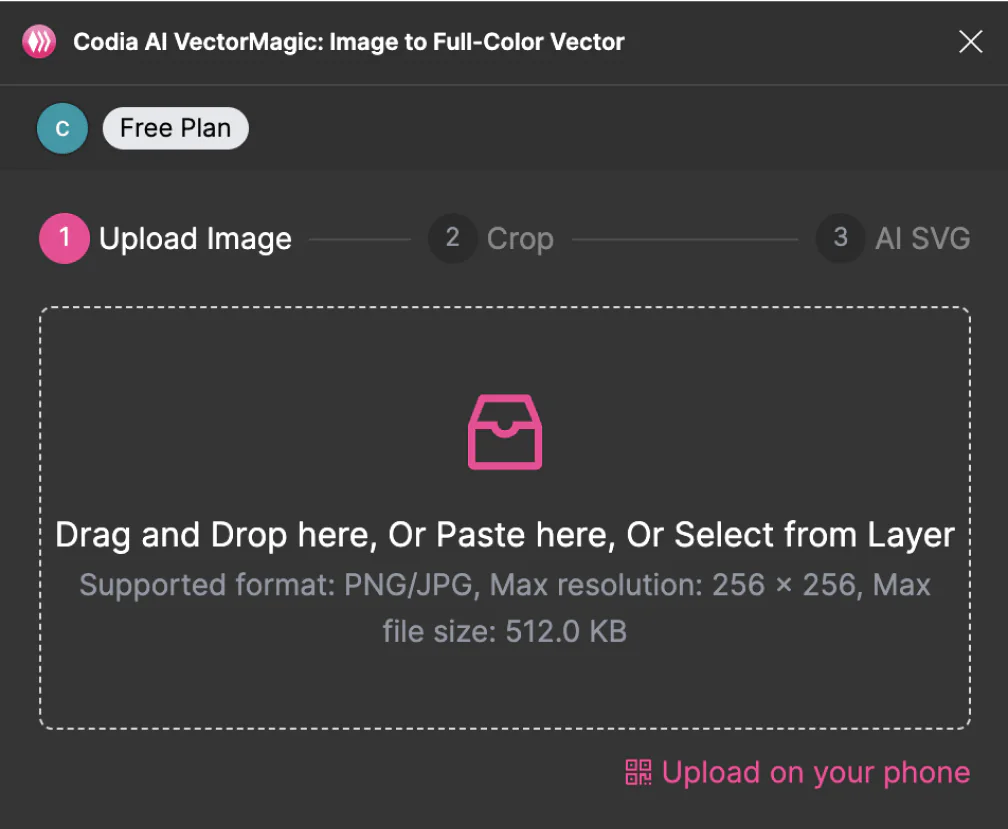
Upload, drop, paste, or start from a layer
Bring in a JPG, PNG, WebP, or GIF from your device, paste an image into the workflow, or use an existing layer in Figma. Codia prepares the source for SVG conversion in just a few steps.
Vectorize with Codia AI
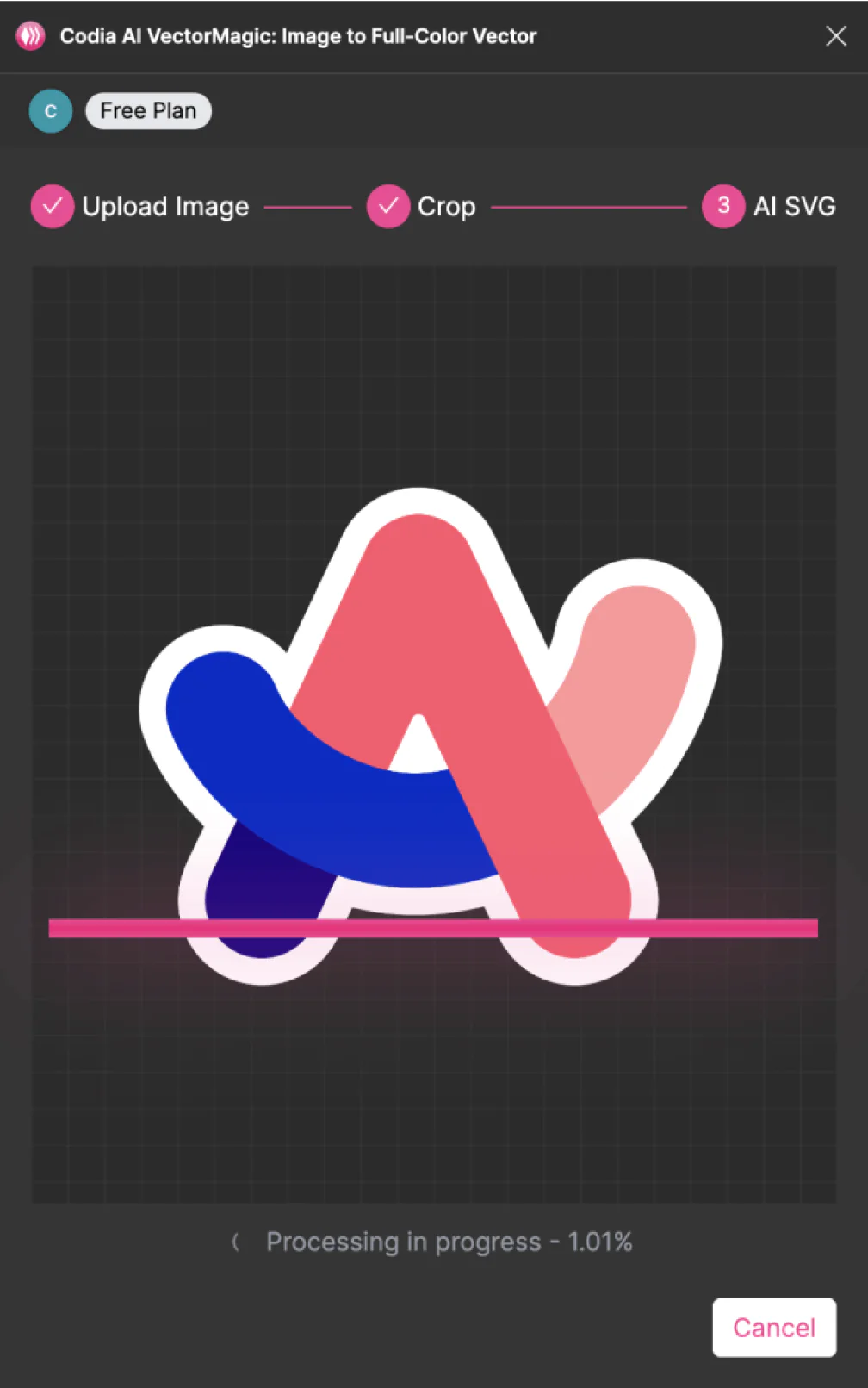
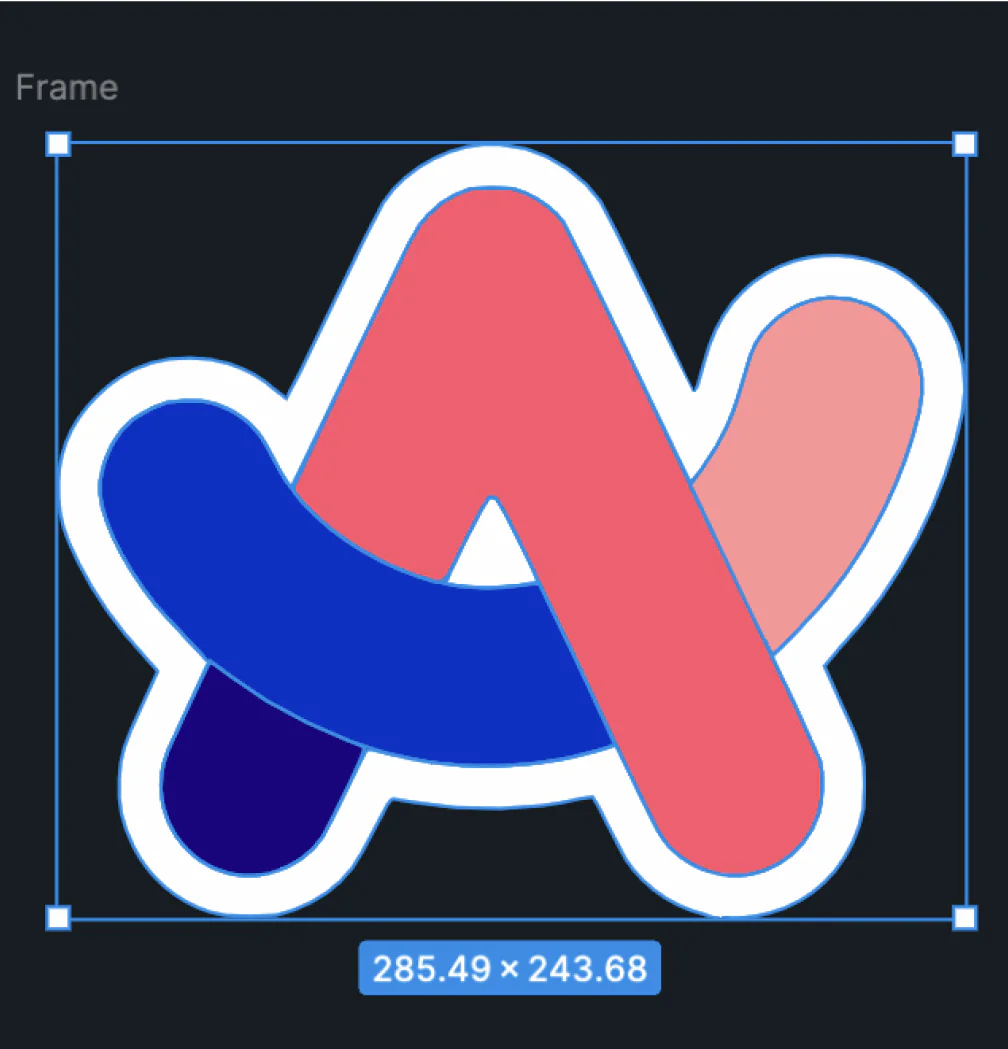
Codia detects shapes, curves, colors, and edges, then rebuilds the image as scalable SVG geometry. The result can be enlarged for print or reduced for UI without turning soft or pixelated.
Download and keep editing
Preview the SVG, make quick adjustments in Studio or Figma, then download the finished vector for websites, app assets, presentations, branding, or large-format print.
What creators say about Codia Image to SVG
“Codia gives me a clean SVG starting point in minutes. It is especially useful when a client only has a low-resolution logo file.”
Emily Chen
Graphic Designer
“I can turn rough sketch scans into editable vectors without redrawing every line by hand. That saves real production time.”
Markus Becker
Freelance Artist
“The output keeps colors and curves intact enough for our team to polish the file inside Figma and ship it into campaigns.”
Lily Huang
Creative Lead
“For responsive web graphics, SVG is the right format. Codia helps us get there from PNGs and screenshots much faster.”
Carlos Ruiz
Web Developer
“Our brand assets need to work across social posts, slide decks, and print. The converted SVGs scale cleanly across all of them.”
Aisha Malik
Marketing Director
“The best part is that the result is still editable. I can vectorize first, then refine the style instead of starting from zero.”
Tom Reed
Illustrator
Bitmap vs SVG
Why convert JPG or PNG images to SVG?
Sharp at every size
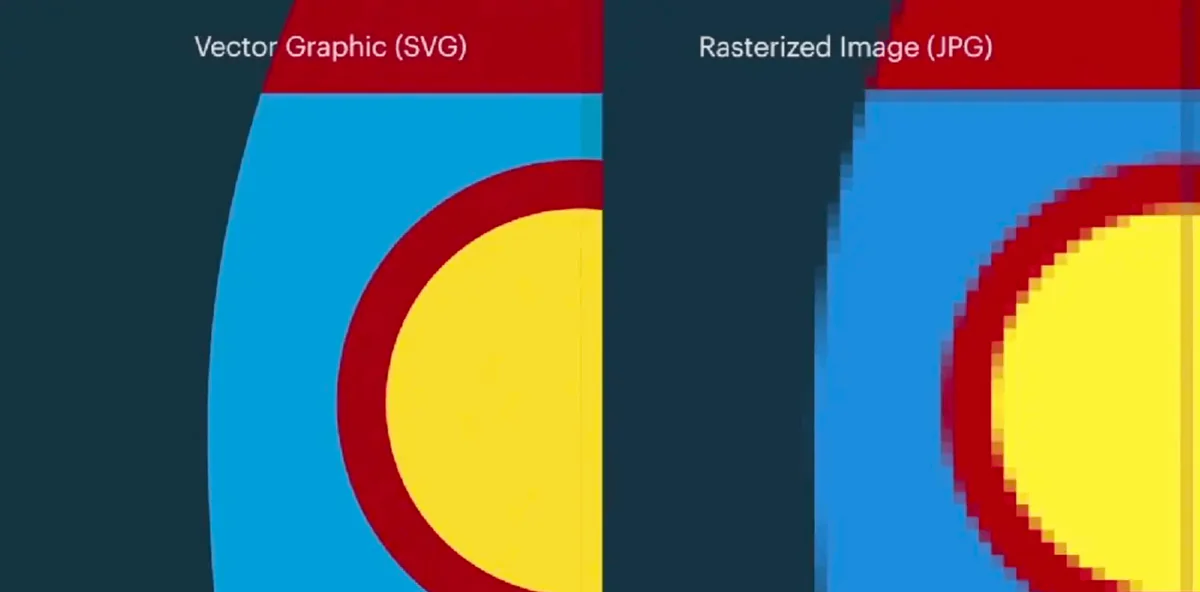
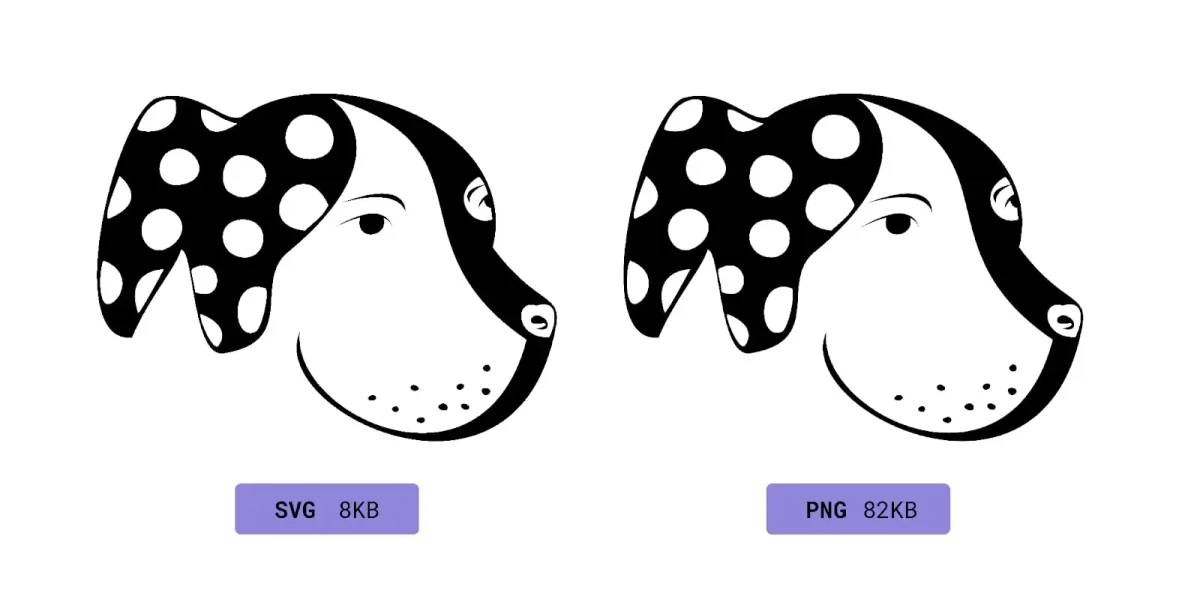
SVG files are resolution independent. You can scale them up for print or down for UI icons without the blur and pixelation that often appear in raster images.
Efficient files for the web
For logos, icons, and simple illustrations, SVGs can often stay compact while remaining visually sharp, making them practical for websites and apps.
Easy to reuse
Use the same SVG across websites, mobile apps, merch mockups, presentation decks, and print layouts without exporting a new bitmap for every size.
Editable by design
Because SVGs are made from paths and shapes, designers and developers can refine colors, simplify geometry, animate elements, or add descriptive metadata when needed.
SVG API
Automate image-to-SVG conversion with API access
Use the same vector engine behind this page in your own product, asset pipeline, CMS, or design automation workflow. Submit a PNG, JPG, GIF, or WebP image, poll for completion, then download the generated SVG.
Submit an image
Upload a local file with multipart form data, or submit a public image URL from your backend.
Poll the async job
The create endpoint returns a record_id. Poll the get endpoint until the status is complete or failed.
Download the SVG
Fetch the returned svg_url and store it in your own asset system for long-term use.
https://openapi.codia.ai/v2/open/svg_converter/createcurl 'https://openapi.codia.ai/v2/open/svg_converter/create' \
-H 'Authorization: Bearer {codia_api_key}' \
-H 'Content-Type: application/json' \
--data '{
"image_url": "https://example.com/logo.png",
"file_name": "logo.png"
}'{
"code": 0,
"message": "ok",
"data": {
"record_id": "550e8400-e29b-41d4-a716-446655440000"
}
}Call /v2/open/svg_converter/limit before upload to read live image size, file size, and credit cost limits.
SVG conversions use Codia API credits and charge only after a successful conversion.
Image to SVG FAQs
Answers before you upload